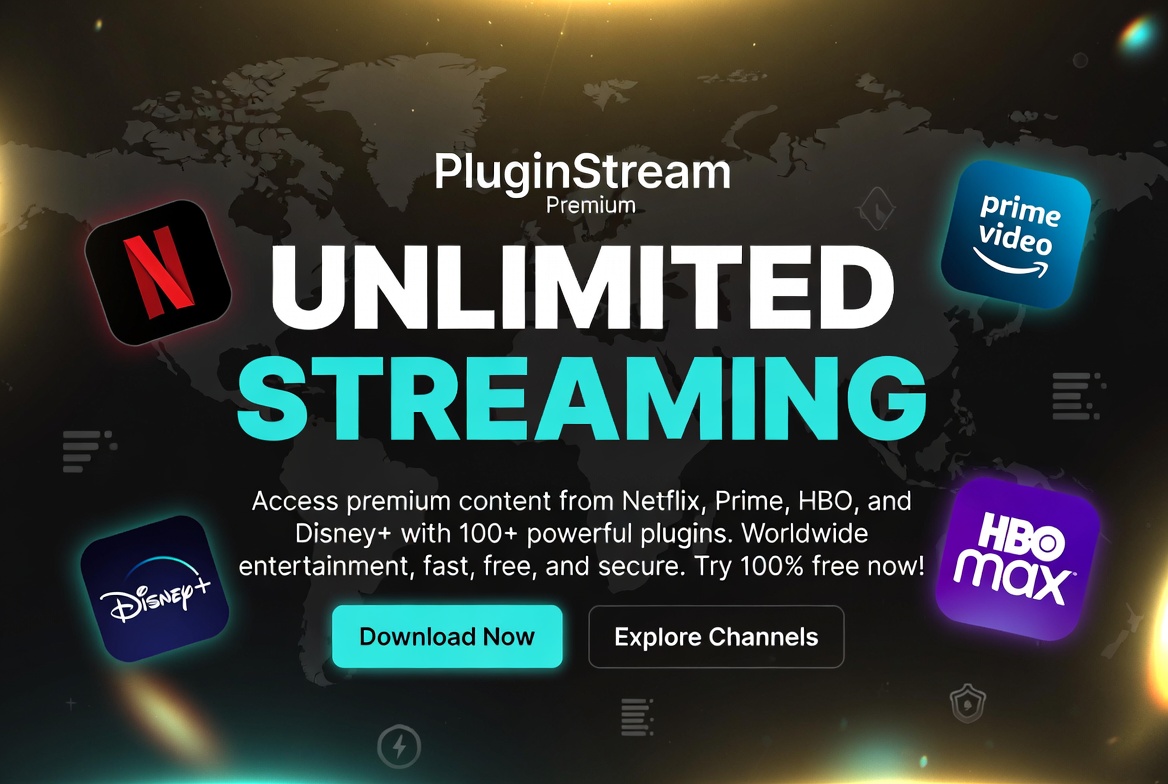
UNLIMITED
STREAMING
Access premium content from Netflix, Prime, HBO, and Disney+ with 100+ powerful plugins.
Worldwide entertainment, fast, free, and secure.
Supported on:
App Screenshots
Explore the sleek and intuitive interface of PluginStream. Designed for the ultimate cinematic experience.
Hover to pause • Click to enlarge
World Top Paid Platforms
We provide all these OTT platforms absolutely 100% free of charge.
Join the streaming revolution today.
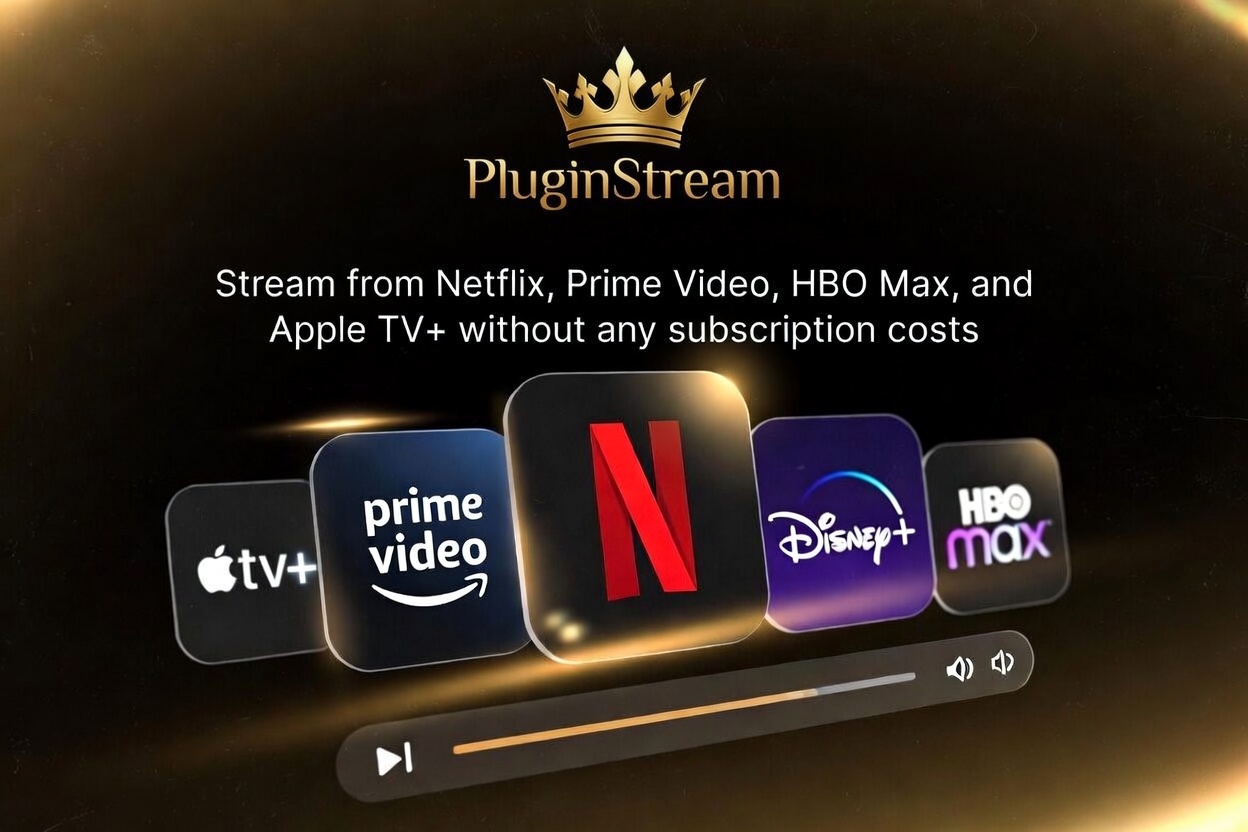
Premium Content
Stream from Netflix, Prime Video, HBO Max, and Apple TV+ without any subscription costs.
Fast & Secure
Engineered for speed. Enjoy buffer-free 4K streaming with enterprise-grade security.
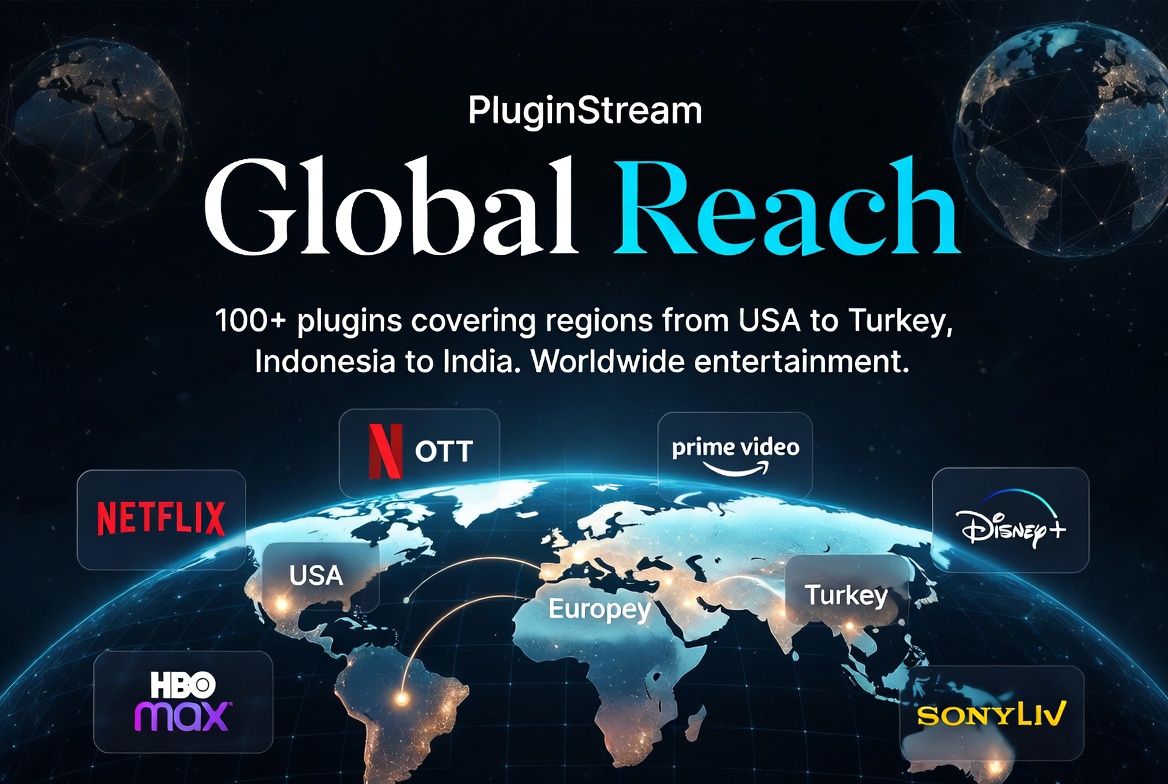
Global Reach
100+ plugins covering regions from USA to Turkey, Indonesia to India. Worldwide entertainment.
How to Install
Follow these simple steps to get PluginStream on your Android device.
Note: This app is not on the Google Play Store because it provides free premium content, which violates Play Store's policies. However, it is 100% safe and secure.
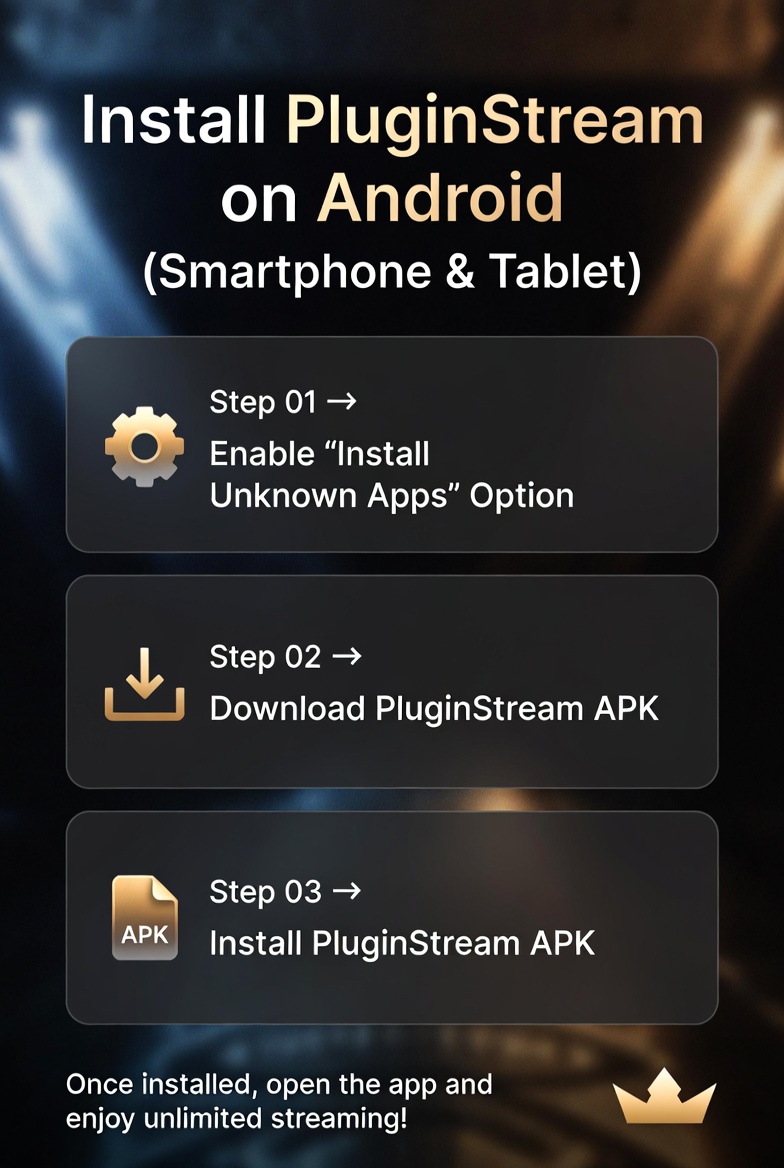
01 Enable “Install Unknown Apps” Option
Before installing the PluginStream APK, you must allow installations from unknown sources on your Android device.
- Open your device Settings and go to Security (or Privacy).
- Tap on Install unknown apps or Install unknown sources.
- Choose the browser you’ll use (e.g., Chrome) and turn on Allow from this source.
💡 Tip: If you’re using a browser other than Chrome, enable this permission for that browser instead.
02 Download PluginStream APK
- Open your preferred browser on your Android device.
- Search for the official PluginStream APK website.
- Once on the website, tap the Download button to get the latest version.
03 Install PluginStream APK
- After the download completes, open your File Manager.
- Locate the APK file in the Downloads folder.
- Tap on the APK file, then tap Install when prompted.
Once installed, open the app and enjoy streaming your favorite movies and TV shows instantly.